Seasons, Leagues & The Underground
Compete in seasons, follow season leaderboards, join or run a league, and race The Underground.
What a season is
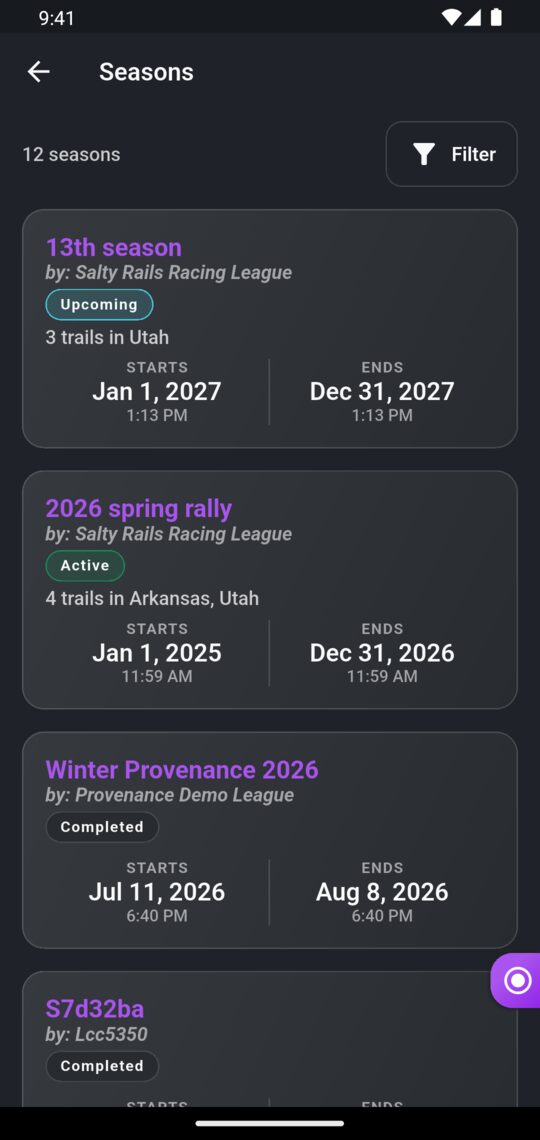
A season is a competition over a set of trails between a start date and an end date. Each season belongs to a league, which runs it. Some seasons only count rides on certain vehicles or vehicle classes.
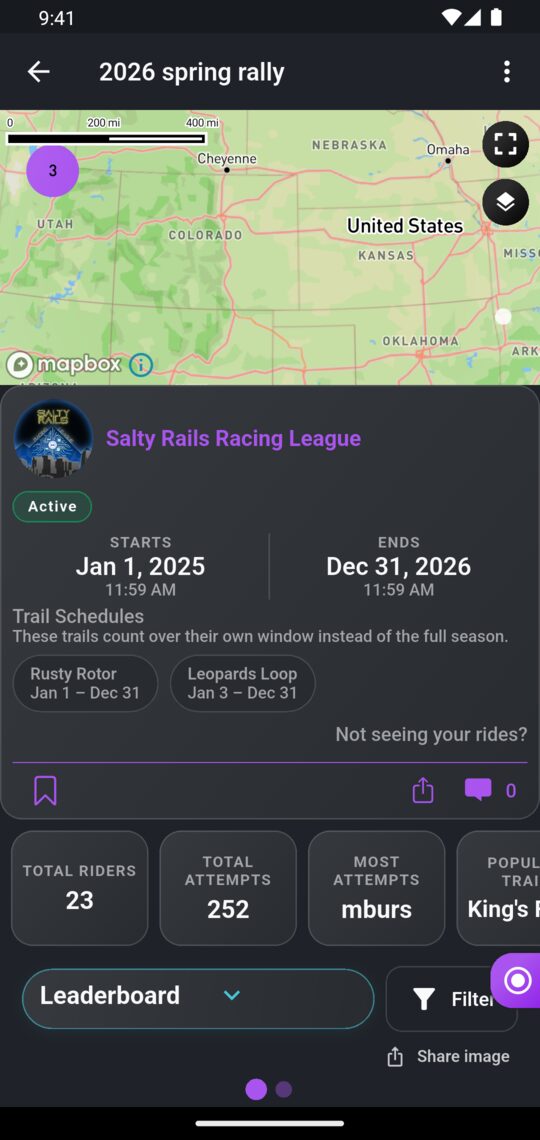
Some seasons give individual trails their own time frame within the season, for example a trail that only counts for one weekend. The season page shows each trail's dates.
Every season is in one of three states:
| Status | Meaning |
|---|---|
| Upcoming | Hasn't started yet. |
| Active | Running now. Your rides on its trails count. |
| Completed | Over. The results are final. |
Finding seasons
- In the app: open the menu and, under Compete, tap Seasons. Filter by status, favorites or Underground only.
- On the website: go to Seasons and use Filters or search by season or league name.
Taking part in a season
You don't need to sign up or join anything. If a season is active and you ride one of its trails, your attempt counts automatically.
An attempt counts when:
- Your ride ends inside the season's dates, or that trail's own dates if it has them.
- Your ride uses a vehicle the season allows, if it limits vehicles. Add the vehicle to your ride if you forgot.
- The ride and attempt aren't hidden.
How season standings work
Only your best time on each trail counts. Riding a trail again only helps if you beat your best time.
Points seasons
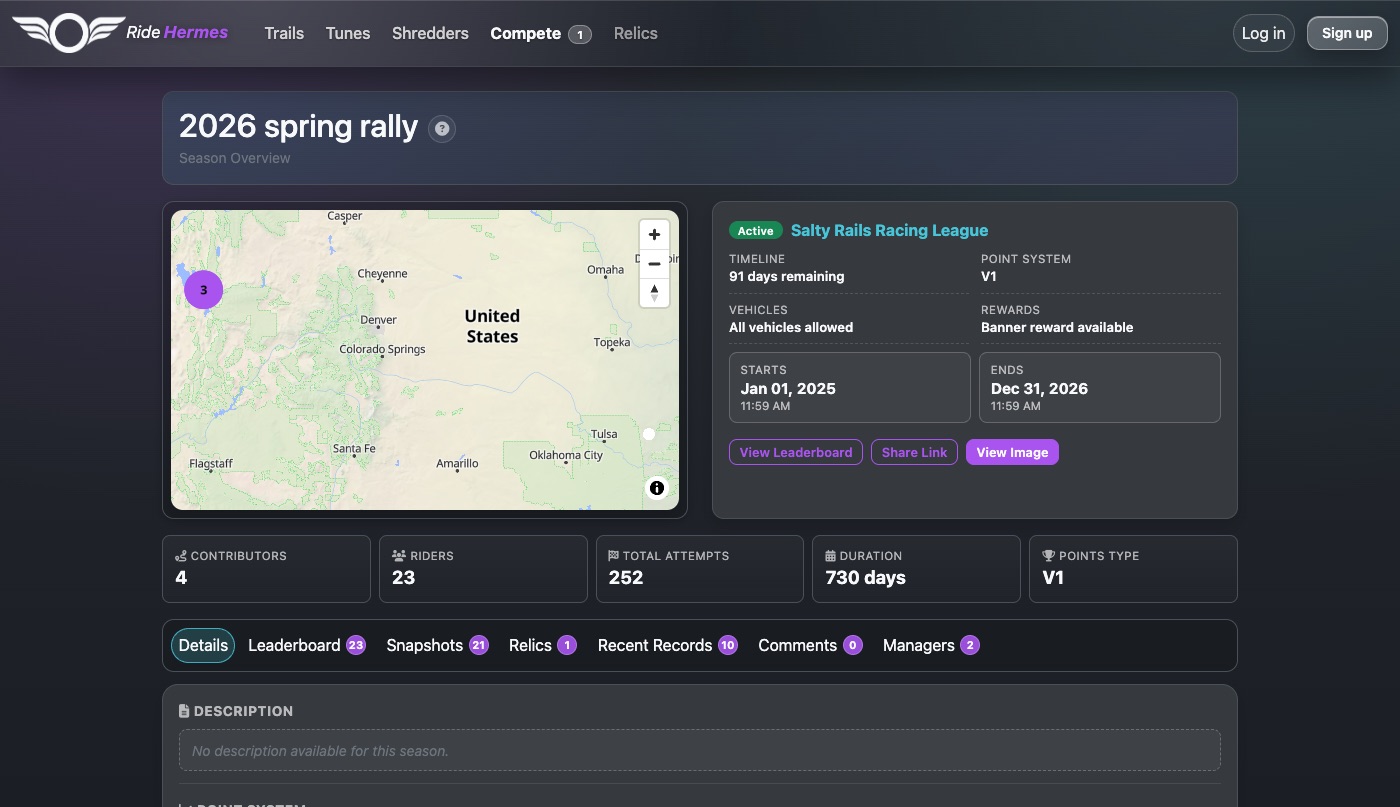
Most seasons use a points system, shown on the season page as V1 or V2. For each trail, riders are ranked by best time, and each placing earns points. First place earns the most, and every finisher earns something. Your season score is your total points.
- V1 has a smaller spread of points, and every trail counts.
- V2 has a larger spread of points, and only your top 7 results count.
- Riders with the same time on a trail share the placing and the points.
Select Point System on the season page on the website to see exactly how many points each placing earns.
Trail groups
Some seasons combine several trails into a group that's scored as one result. You're ranked on the sum of your best times on every trail in the group, so you need a time on each of them to be ranked.
Enduro seasons
In an Enduro season, the fastest combined time across all the season's trails wins. You need a time on every trail to get a rank. Ties are decided by the season's tiebreaker trail, if it has one, and then by who won the most individual trails.
Ties in a points season
If riders have the same points, the one who rode more of the season's trails ranks higher. If that's still level, the lower combined time on the trails they both rode wins.
When it updates
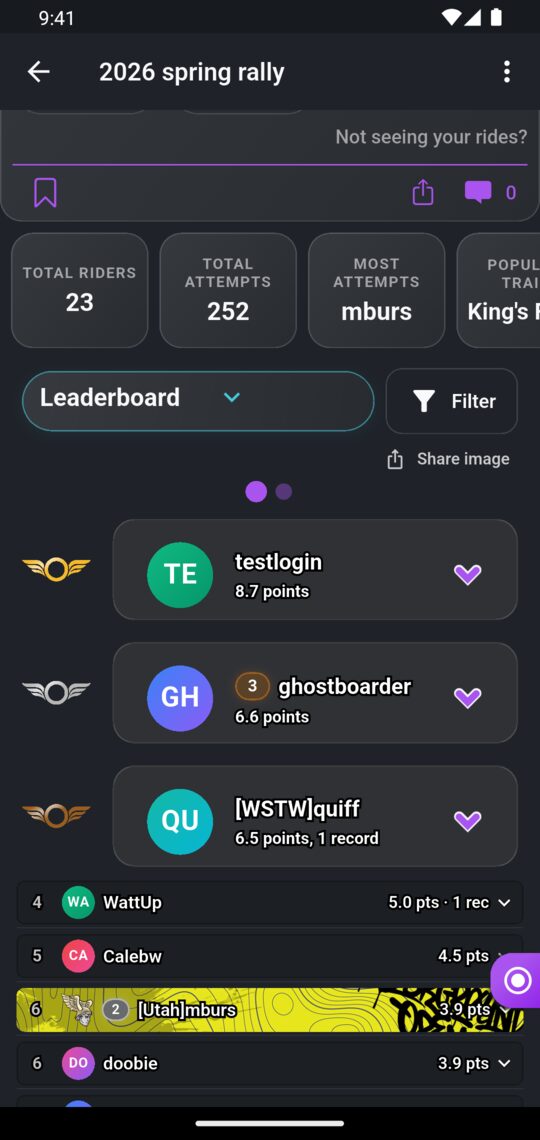
The leaderboard updates shortly after your ride is uploaded and processed. Pantheon members can also open Snapshots to see how the overall standings changed day by day.
Season leaderboard filters
Season leaderboards can be narrowed to a single trail or trail group, or by Gender, Weight Class and Vehicle Class. Anyone can use these. On the website they're under Leaderboard Filters on the season page. In the app, use the filter button on the season leaderboard.
Gender and weight class come from your profile, so keep them up to date. Vehicle class comes from the vehicle on each ride.
Custom filters
Some seasons add their own categories, for example a Class with Pro and Amateur. You choose which category you're in, and everyone can filter the leaderboard by them.
- In the app: open the season's ⋮ menu, tap My Categories, pick an option for each one (or None), and tap Save.
- On the website: select My Filters on the season page, pick your options, and select Save filters.
Choosing your categories is free. The buttons only appear when a season has custom filters.
Season rewards
A season can award a badge, a banner, or both. The season's Relics tab shows what's on offer and what it takes, for example finishing in the top three, or riding enough of the season's trails.
Rewards are handed out automatically overnight after the season ends, and you get a notification when you earn one. Finishing in the top 3 overall in any season also counts towards achievements, like the Kleos card frame for Pantheon members. See Relics, Credits & the Store.
Leagues
A league is the group that runs seasons, such as a local riding crew or event organizer. Its page shows its seasons, its socials and the people who run it.
Finding a league
- In the app: open the menu and, under Compete, tap Leagues.
- On the website: go to Leagues and search by league name, tag, city or state.
You don't need to join a league to compete in its seasons. Just ride the trails.
Joining a league's team
Joining a league means helping to run it, and it's by invite only. When a league invites you, you get a notification.
- In the app: open the league's Invites tab and tap Accept or Decline.
- On the website: on the league page, select Accept Invite or Decline.
To leave, find yourself in the league's member list in the app and tap Leave League.
Running a league
For league owners and managersCreating a league
In the app, on the Leagues screen, open the ⋮ menu and tap Create a League. Give it a name and a tag (3–5 characters), and if you like, a description, logo, social links and instructions for riders. You become its owner. You don't need a membership to create or run a league.
Roles
| Role | What they can do |
|---|---|
| Owner | Everything: edit the league, invite and remove people, change roles (including making someone else an owner), and delete the league. |
| Manager | Edit the league, create and edit its seasons, and invite people. Can't manage owners. |
| Rider | Appears on the league's roster. |
To invite someone, search for them on the league's Invites tab in the app, or under Manage League > Invite Member on the website.
Creating a season
- In the app: open your league's ⋮ menu and tap New Season.
- On the website: select New Season on your league page.
Pick the dates, trails, point system and any vehicle limits. You can preview each point system before you choose.
Pantheon season tools
For Pantheon membersSome season settings need the person editing the season to be a Pantheon member:
- Enduro scoring.
- Per-trail schedules, which give a trail its own time frame within the season.
- Custom leaderboard filters: set them up with Manage Filters in the app or the Filters tab on the website.
- Season rewards: upload a badge or banner and set who earns it.
The Underground
The Underground is a free trail-racing series on Ride Hermes. Its seasons are organized by community leagues, each with its own trails raced for time. Underground seasons are marked as such on their season cards and pages. You race them like any other season: no sign-up, just ride the trails while the season is active.
- In the app: in Seasons, turn on the Underground only filter.
- On the website: on Seasons, open Filters and choose the Underground organization.
Want your league's season to be part of the Underground? Email support@ridehermes.app.